· 16 min read
Best Aviation Apps: 7 Top Picks for Pilots in 2026
Explore the best aviation apps for FAA prep, flight planning, charts, and weather with pros, cons, and ideal use cases for 2026.

You're reviewing airspace questions before tomorrow's lesson, your instructor has asked for a cross-country plan, and the weather along the route doesn't look straightforward. Meanwhile, your flight hours still need logging. Opening another aviation app won't necessarily solve the problem, especially if you haven't decided which job it needs to do.
One app is rarely enough because studying and operating an aircraft are different tasks. A question bank can help you prepare for the FAA written, but it won't organize your cockpit charts. An electronic flight bag can display weather beautifully without teaching you how to interpret it.
The best aviation apps fit the work you're doing: learning concepts, practicing radio calls, preparing a route, checking weather, or recording training progress. These seven picks follow that workflow rather than pretending a ground-school course and a navigation app belong on the same generic leaderboard.
Choose a study tool for the knowledge you need to build, then an electronic flight bag for the flying you do. Keep your instructor involved in both choices.
Table of Contents
- 1. flyCowboys
- 2. Sporty's Pilot Training, Learn to Fly
- 3. ASA Prepware
- 4. King Schools Companion Apps
- 5. ForeFlight Mobile
- 6. Garmin Pilot
- 7. FltPlan Go
- Top 7 Aviation Apps Compared
- Pick Your Study Stack and Fly Smarter
1. flyCowboys
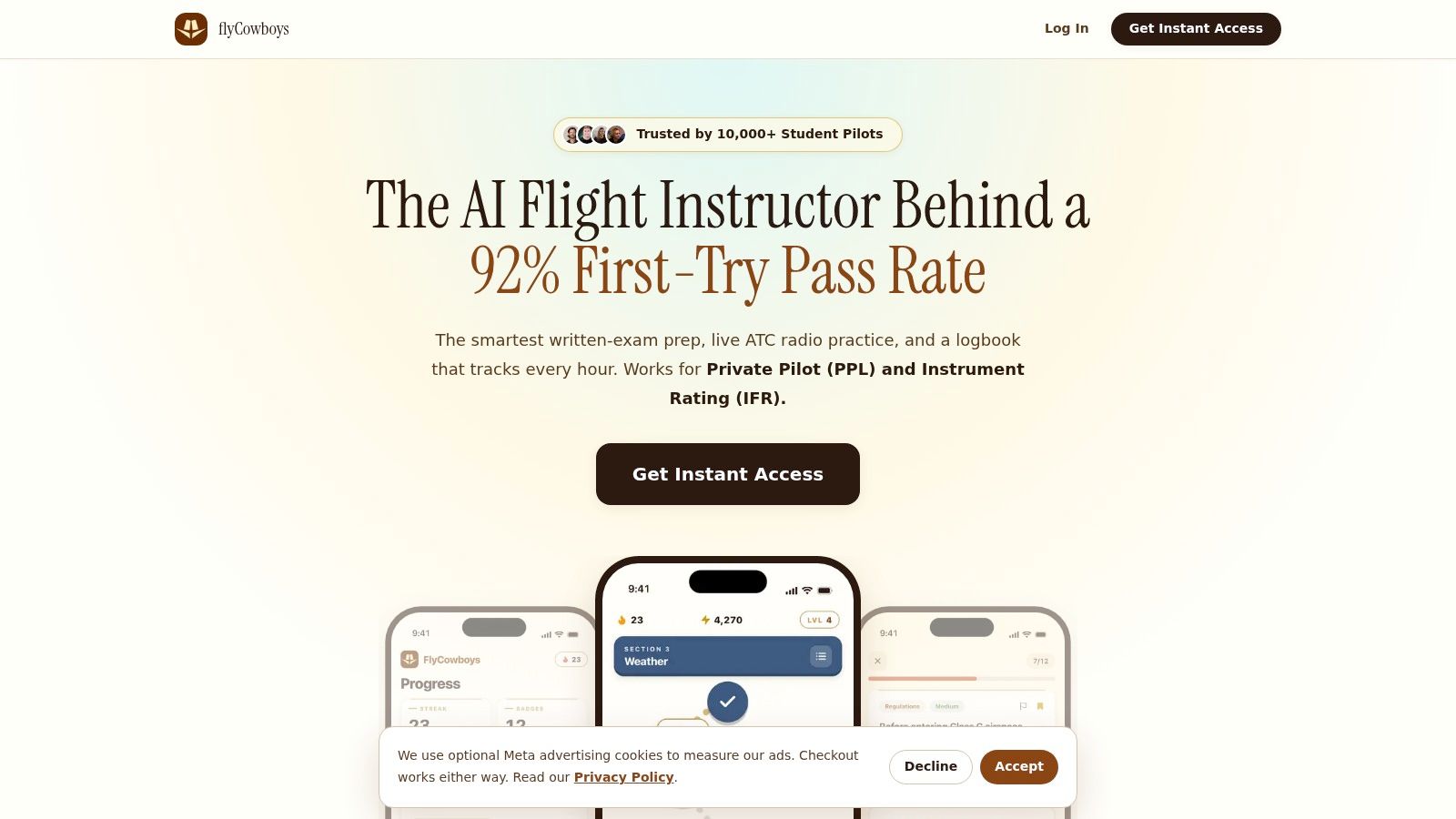
Best for student pilots who want written-test preparation, radio practice, and training records together. flyCowboys takes the study side of the workflow rather than trying to replace a cockpit EFB. Its iPhone platform combines Private Pilot and Instrument Rating preparation with adaptive question practice, AI-based radio drills, and a flight logbook.
That combination makes sense when your training feels fragmented. Instead of treating missed questions, uncomfortable radio calls, and incomplete training records as unrelated problems, you can work on them within the same study routine.
Use the explanations, not just the answer key
The ACS-aligned approach gives you a useful way to organize review around knowledge areas. After missing a weather or airspace question, the productive next step is to explain the underlying rule in plain English, then apply it to a different situation. Recognizing the answer from an earlier session isn't the same as understanding it.
Adaptive review and spaced repetition suit students who need help deciding what to study next. Exam-style practice and readiness tracking can help organize preparation, but a readiness estimate shouldn't replace your instructor's assessment or your ability to explain why an answer is correct.
- Study fit: Choose it when you prefer focused question practice and explanations over watching an extended video course.
- Radio practice: Use the AI drills to rehearse phraseology between lessons, then verify uncertain responses with your instructor.
- Logbook role: Keep training requirements visible, while reviewing entries for accuracy rather than assuming every category is correct.
- Main limitation: The iPhone focus won't suit students who need an Android study app.
Instructor's rule: Treat a correct answer as the beginning of the discussion. Ask yourself what would change if the weather, aircraft loading, or airspace were different.
flyCowboys is particularly relevant if you want fewer separate study subscriptions and less switching between training tools. It isn't a substitute for flight instruction, operational weather briefing, or cockpit navigation, so pair it with an appropriate EFB rather than expecting it to do every job.
2. Sporty's Pilot Training, Learn to Fly
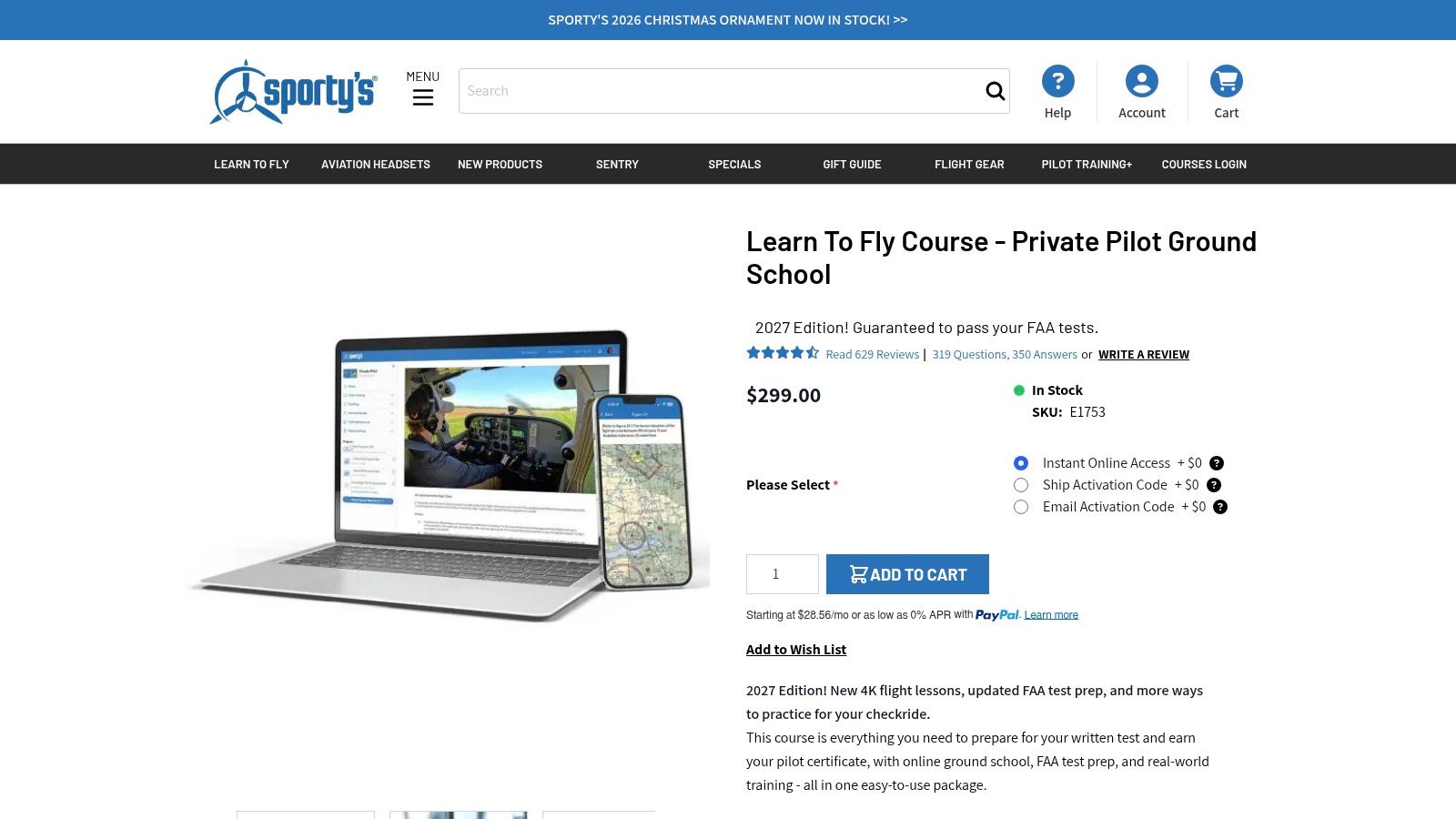
Some students need to see a maneuver explained before a question bank becomes useful. Sporty's is the stronger fit for a video-led Private Pilot ground-school experience, especially when you want written preparation connected to what you're practicing in the airplane.
The Sporty's Learn to Fly course combines video instruction, test preparation, maneuver guidance, and checkride resources. Downloadable lessons and signed-in progress syncing support study away from a reliable connection, while the course includes an endorsement pathway after its requirements are met.
Match the lesson to your next flight
Before practicing a maneuver, watch the relevant instruction and write down what you expect to see, hear, and do. After the flight, revisit the part you found difficult rather than replaying the entire course without a purpose. That approach connects ground study to your instructor's debrief.
- What works: Video instruction can give unfamiliar concepts context before you tackle FAA-style questions.
- Trade-off: A full course may feel cumbersome if you already understand the material and only need targeted exam review.
- Purchase decision: Try the sample materials and confirm the current purchase terms before committing.
The flyCowboys and Sporty's comparison is useful when deciding between a video-first course and a more practice-led study workflow.
Choose Sporty's because its teaching format suits you, not because it contains more material. For a student struggling to visualize flight maneuvers, that breadth may be valuable; for an exam retaker with isolated knowledge gaps, a focused review tool may be a better match.
3. ASA Prepware
ASA Prepware suits the pilot who already has a learning plan and wants direct question practice. If your instructor has identified a weak area, subject-based review is often more useful than starting another broad course.
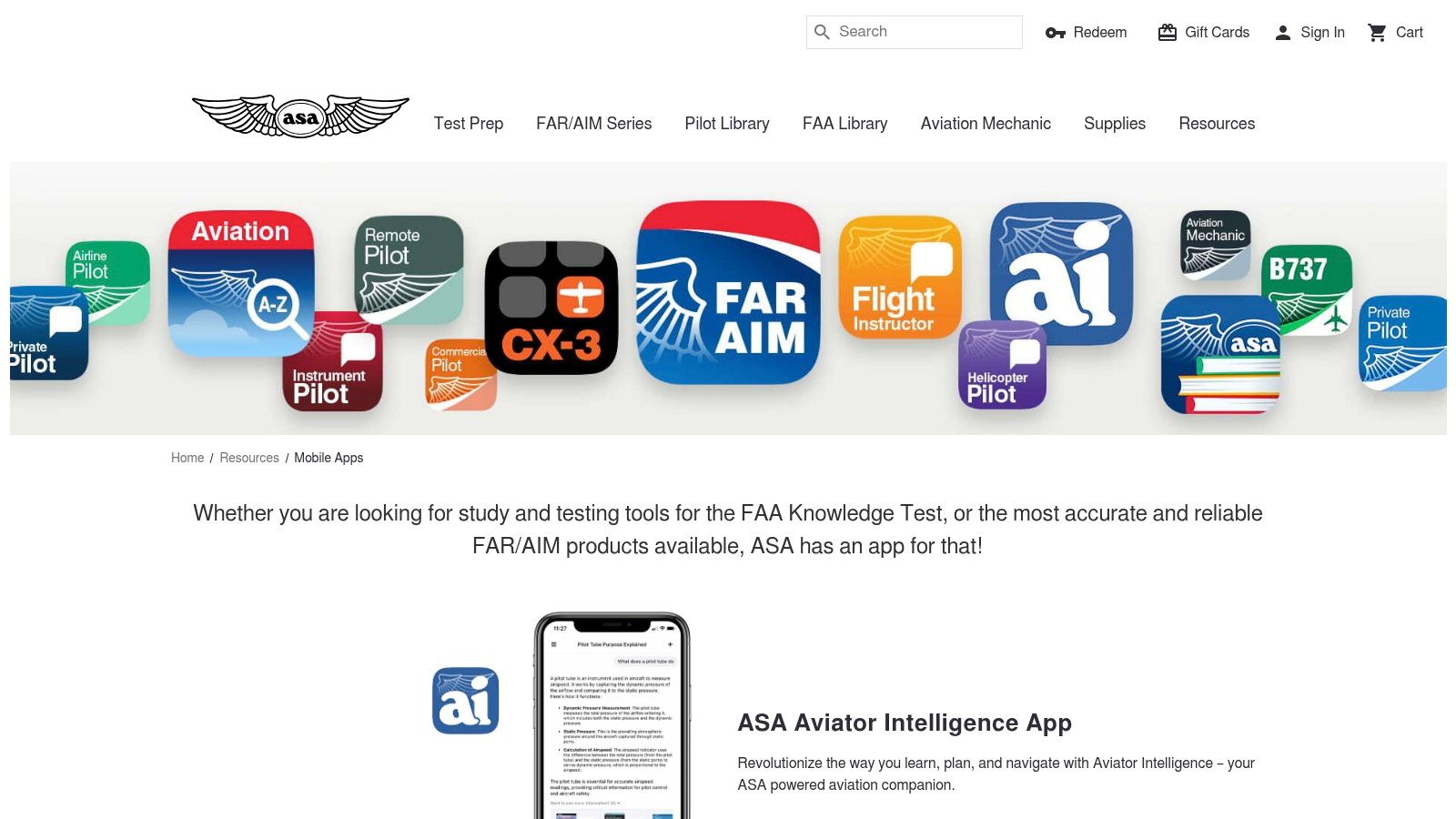
The ASA mobile-app range includes Prepware offerings for different certificates and ratings, with questions, answers, explanations, and practice-test modes. ASA also offers related ground-school, checkride, and regulations-reference apps, so pay attention to the specific product you're selecting rather than assuming every ASA app has the same purpose.
A productive Prepware session starts with a topic, not a target score. Work through the questions, explain the reasoning, and note where you need to return to instructional material. Repeatedly selecting familiar answers can hide a gap that becomes obvious when your instructor changes the scenario.
Keep the question bank in its proper role
- Best use: Short, subject-focused review alongside an existing ground school or instructor-led syllabus.
- Main advantage: A direct exam-preparation format without requiring you to adopt a broader training platform.
- Main compromise: It's more question-bank oriented than a video ground school and doesn't combine cockpit planning, radio practice, and logging.
ASA describes its mobile study apps as supplements to its broader Prepware products. Check the certificate or rating, app-specific pricing, and included functions before buying.
For a prepared student, that narrower scope can be an advantage. You don't need another dashboard if the task is to identify misunderstood regulations and work through their explanations. You do need the discipline to investigate mistakes rather than memorize the answer sequence.
4. King Schools Companion Apps
Already studying through King Schools? Its companion apps make the most sense as extensions of that course, not as unrelated purchases to add to your phone.
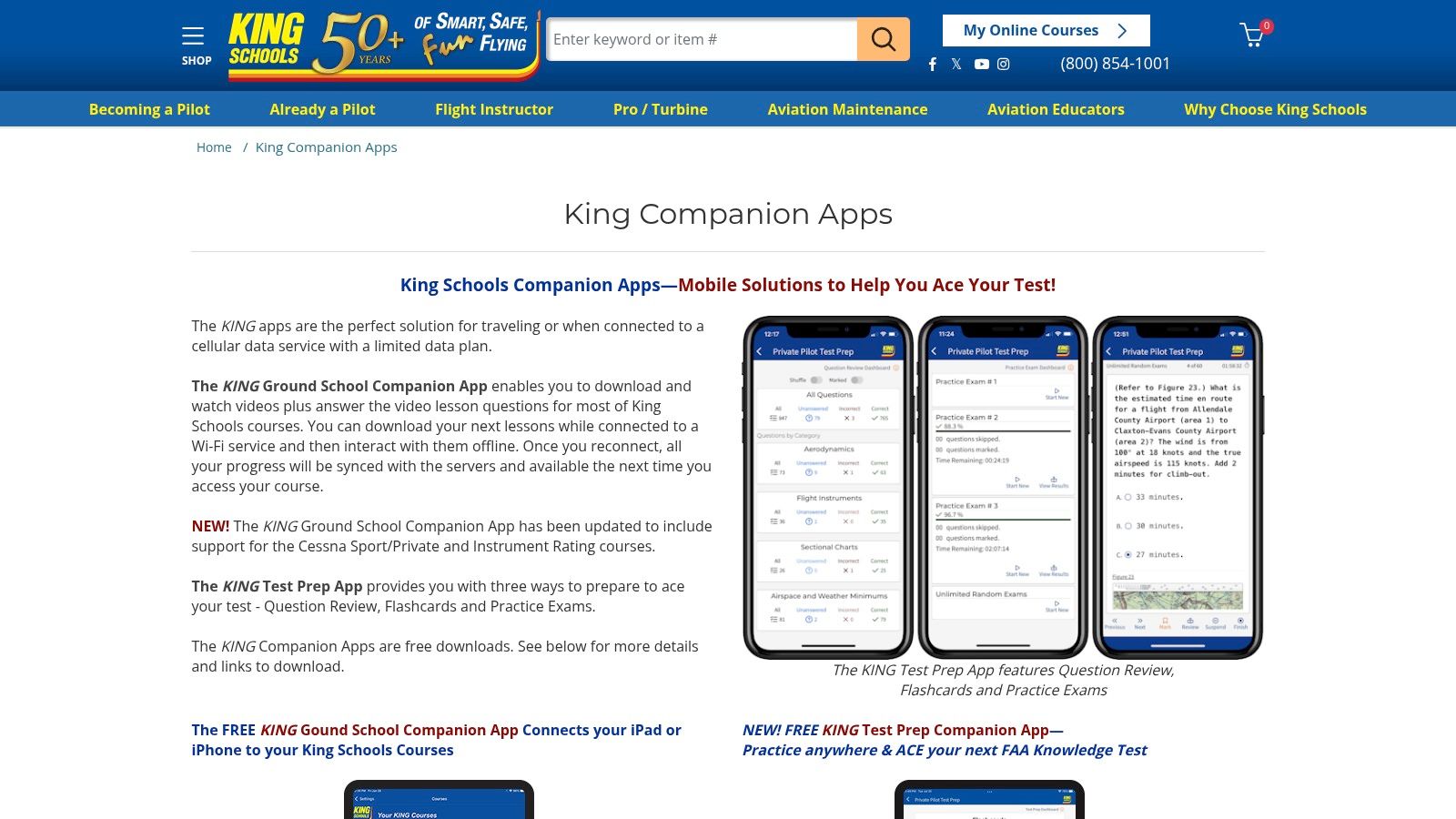
The King Schools Companion App information describes offline lesson downloads and course-linked study access. Its companion tools support video learning, question review, flashcards, and practice exams, with course enrollment required for the relevant study features.
That distinction matters when comparing costs. A free app download doesn't mean the underlying ground-school course is free, and a useful companion app isn't necessarily the right starting point for someone who only wants occasional quizzes.
Download the lesson you intend to study before leaving reliable internet access. Offline capability only helps when the material is already on the device.
Choose the course before the companion
King is a reasonable fit when you want structured video teaching and expect to follow the course consistently. Use question review after the instruction to check understanding, rather than skipping directly to practice exams and treating the course as an answer bank.
- Strength: Offline lesson access supports a course-led routine when connectivity is unreliable.
- Limitation: Students seeking only focused exam practice may not need the full course.
- Compatibility check: Confirm your device's access method, particularly if you use Android rather than an iPhone or iPad.
The flyCowboys and King Schools comparison can help clarify whether you prefer adaptive practice or a video-ground-school structure.
Don't switch away from a course that's helping you understand the material merely to collect another app. Change tools when you can identify a specific problem with your current study method.
5. ForeFlight Mobile
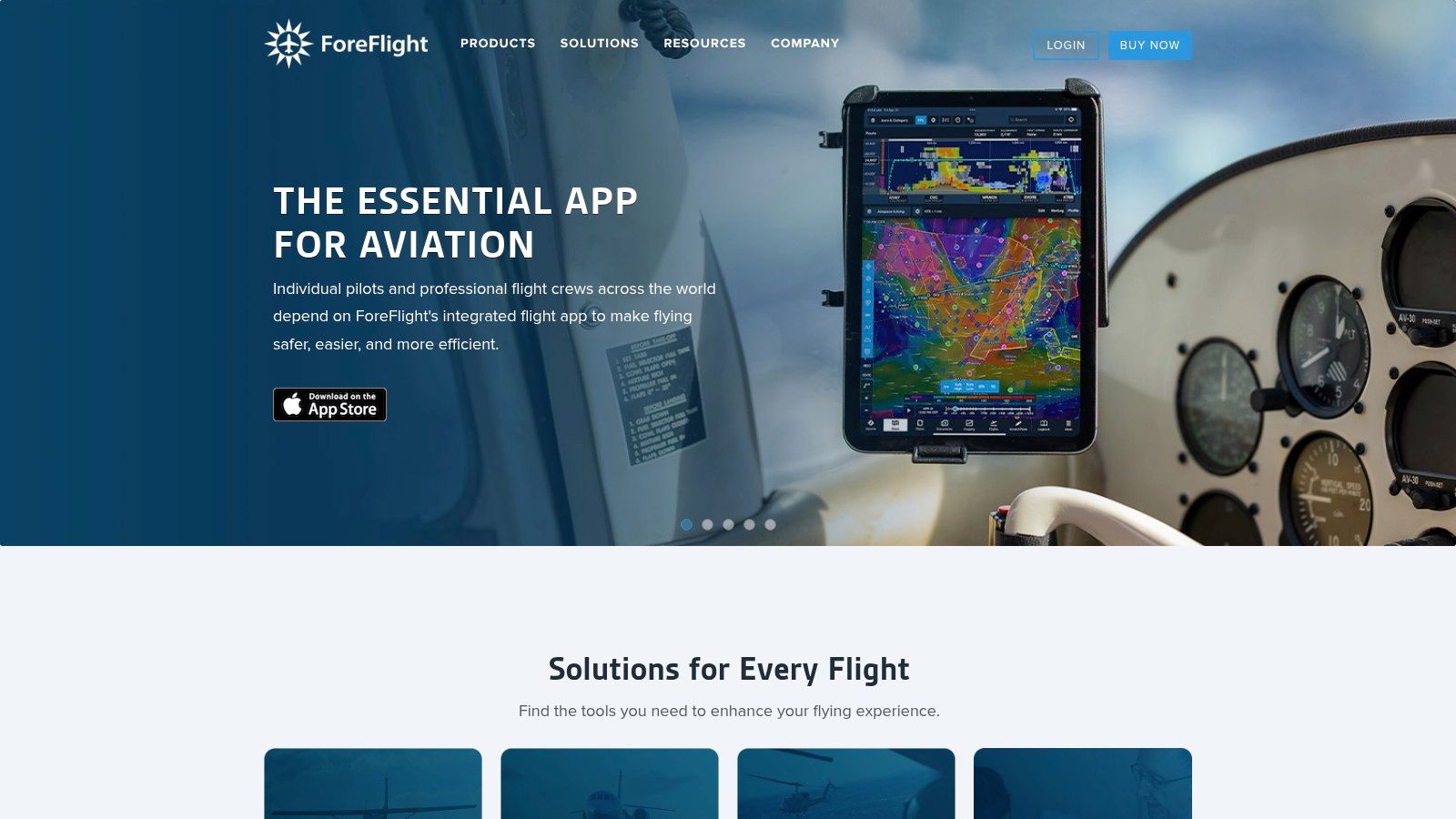
ForeFlight belongs in the planning and cockpit part of your workflow. The ForeFlight platform combines charts, flight planning, weather, airport information, and logging, rather than functioning as a structured written-test course.
Its usability is more than a feature-list question. A controlled EFB study involving 30 student pilots found ForeFlight performed strongest overall among the evaluated applications, although that result shouldn't replace testing the interface yourself.
Practice the whole preflight sequence
Build a familiar training route, find the departure and destination information, review relevant weather, and retrieve the charts you'll need. Then check whether you can repeat those tasks without searching through menus. Learn the interface on the ground, not while your instructor is waiting for a time-sensitive answer.
- Strong fit: Pilots who want a consolidated planning and operational-reference workflow on Apple devices.
- Trade-off: Advanced capabilities depend on the subscription tier, so confirm the functions you need.
- Recordkeeping decision: Decide which app will hold your authoritative logbook rather than casually maintaining competing records.
ForeFlight's documentation specifies aeronautical-data updates every 28 days and en-route-chart updates every 56 days. Downloading the app isn't enough; you need a repeatable process for checking currency and offline availability.
For recordkeeping, use this pilot logbook app guide to think through your training workflow. A logbook inside an EFB may be convenient, but convenience shouldn't be your only criterion when choosing where to maintain your records.
6. Garmin Pilot
Start with the aircraft and your devices when considering Garmin Pilot. Its Apple and Android availability and connectivity with compatible Garmin equipment make it particularly relevant when your planning setup needs to fit an existing cockpit.
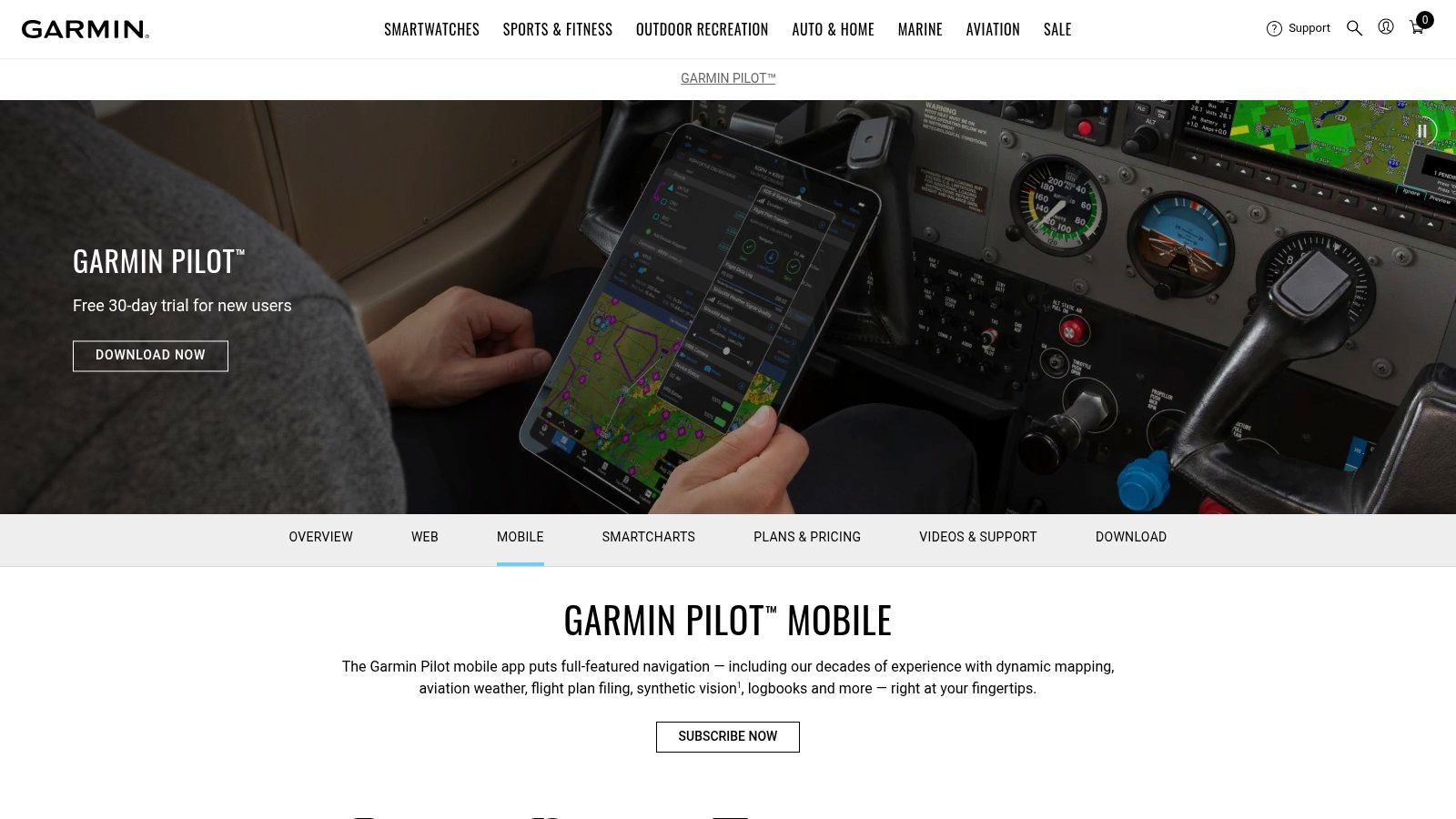
The Garmin Pilot product page outlines charts, weather, planning, filing, logging, and Connext connectivity. The practical question isn't whether it has enough features; it's whether your selected device, region, subscription, and aircraft equipment support the workflow you intend to use.
Judge the weather workflow, not the colors
A useful trial should include a changing-weather scenario. Find the observation time, distinguish current observations from forecasts, and explain what would make you delay, divert, or cancel. Don't judge the app solely by how quickly you can display radar.
FAA-published research involving 24 pilots found similar decision timing and actions between weather-alerting and control groups, although control participants took longer to view important updates and used more touchscreen interactions. That finding isn't a Garmin-specific assessment, but it's a useful warning against assuming more automation automatically produces better decisions.
- Choose it for: Cross-platform access and a workflow that fits compatible Garmin avionics.
- Check carefully: Regional coverage, subscription features, and equipment compatibility.
- Don't expect: A full ground-school curriculum.
Weather discipline: An alert should prompt a reassessment, not serve as permission to continue.
Garmin Pilot can be a sensible operational partner to a separate study app. Confirm the exact setup with your instructor or aircraft operator, then rehearse it before relying on it in flight.
7. FltPlan Go
FltPlan Go is worth considering when you want planning and cockpit-reference functions without a base app subscription. It's a companion to the FltPlan planning service, not a substitute for FAA knowledge-test instruction.
The FltPlan service supports a workflow involving charts, weather, airport information, navigation logs, weight and balance, and electronic logging. FltPlan Go provides mobile access on iOS and Android, with downloaded materials supporting offline use.
The important qualification is downloaded. Don't assume a chart you viewed while connected will necessarily be available when you need it away from internet access. Prepare the route, obtain the relevant materials, and verify access before departure.
Test it against your actual mission
- Planning value: Consider it for chart access, navigation logs, airport references, and routine flight preparation.
- Offline preparation: Open the required materials after disconnecting from the network.
- Connected features: Check which functions need internet access, compatible equipment, or a separate service.
- Training boundary: Pair it with a study resource rather than expecting it to teach the written-test syllabus.
Weather deserves particular caution regardless of which EFB you select. A pilot-weather research summary describes information delays of up to 15 minutes, along with limitations involving fog, low clouds, and inconsistent sources.
That isn't a FltPlan Go-specific defect. It's a reason to judge every weather interface by timestamp visibility, uncertainty, and how easily you can reconcile conflicting information. A free EFB can be a practical choice, but it still requires deliberate preparation and sound weather judgment.
Top 7 Aviation Apps Compared
Choose an app for the task in front of you: learning the material, rehearsing test questions, or preparing for a flight. The comparison below follows that workflow rather than treating every app as a substitute for the others.
| Product | Main Function | Setup and Resource Requirements | Expected Outcome | Ideal Use and Key Advantage |
|---|---|---|---|---|
| flyCowboys | Adaptive PPL/IFR test prep, AI radio practice, and logbook | iPhone; check the product page for current pricing and trial terms | Exam preparation and progress tracking; performance claims are company-reported | PPL or IFR candidates who want study tools, radio practice, and logging in one app |
| Sporty's Pilot Training, Learn to Fly | Private Pilot video ground school, test prep, and maneuver instruction | App or supported platform; free trial, with paid-course pricing confirmed at checkout | Written-test and practical-training preparation, with endorsement after course requirements | Private Pilot students who want ground school alongside flight-maneuver guidance |
| ASA Prepware | FAA knowledge-test question banks and practice tests | Separate apps by certificate or rating; check the app store for pricing | Focused subject review and exam practice | Learners who want exam-focused quizzes and explanations |
| King Schools Companion Apps | Course-linked video lessons, flashcards, and practice exams | Free companion apps; qualifying paid course required for course-linked features | Structured ground-school and test preparation | King Schools students who want offline lessons and exam practice |
| ForeFlight Mobile | Electronic flight bag for charts, weather, and flight planning | iPhone/iPad; check the product page for current plan pricing and included features | Flight planning and cockpit references, not written-test instruction | U.S. general-aviation pilots seeking an integrated planning and flight-reference tool |
| Garmin Pilot | Flight planning, navigation, charts, weather, and logging | iOS or Android; regional annual plans with Standard and Premium tiers | Flight planning and cockpit use, with Garmin avionics integration | Pilots using Garmin-equipped aircraft or seeking an EFB across mobile platforms |
| FltPlan Go | Free electronic flight bag and planning companion | iOS or Android; free core app; download materials in advance for offline use | Charts, weather, navigation, and cockpit-reference tools, not test prep | Pilots who want free EFB functions and offline chart access |
For FAA study, start with the learning format that suits the gap. Sporty's and King Schools organize instruction into courses, while ASA Prepware supports targeted question practice. flyCowboys combines test preparation with radio practice and logging, which may suit a student who wants those tasks together. Check course requirements and current pricing before committing.
Then move from study to cockpit preparation. ForeFlight and Garmin Pilot support planning and flight-reference workflows, with Garmin integration a useful consideration for pilots flying Garmin-equipped aircraft. FltPlan Go offers a free core option, but offline use depends on downloading materials ahead of time. App choice should follow the aircraft, device, and workflow you use, not the length of a feature list.
Pick Your Study Stack and Fly Smarter
The best aviation apps don't all compete for the same job. flyCowboys fits a practice-led training routine that brings written preparation, radio drills, and logging together. Sporty's and King Schools suit students who want structured video teaching, while ASA Prepware fits focused question review alongside an existing learning plan.
ForeFlight, Garmin Pilot, and FltPlan Go belong on the operational side. Choose among them by device compatibility, regional coverage, aircraft equipment, subscription requirements, and how confidently you can complete normal preflight tasks. Don't pay for advanced functions merely because they appear impressive in a demonstration.
Build a stack around your next lesson
Start with the problem you can name. If you're missing weather questions because you don't understand the concepts, choose instruction and explanations rather than another map. If you understand the material but can't retrieve airport information efficiently, practice your EFB workflow instead of buying another course.
- Select your study method: Try a representative topic and check whether you can explain it afterward without looking at the answer.
- Rehearse your planning workflow: Prepare a familiar route, retrieve the relevant charts, inspect weather timestamps, and verify offline access.
- Choose your primary logbook: Review how you'll enter, check, and maintain training records.
- Bring the setup to your instructor: Ask them to identify gaps before you build habits around it.
Weather interpretation deserves its own practice. Explain the difference between what you've observed, what's forecast, and what remains uncertain. Then connect that interpretation to personal minimums and a conservative alternative plan.
Keep the arrangement simple enough to use consistently. A study app should help you understand the next lesson, and an EFB should help you prepare and retrieve operational information without unnecessary searching. Neither should distract you from learning the underlying task.
Before your next flight, complete a focused study session and prepare the route in your chosen EFB. Ask your instructor to review both your reasoning and your app workflow, then change only what solves a specific problem.
flyCowboys combines adaptive FAA written-test preparation, AI-based radio practice, and a flight logbook in an iPhone study platform. Visit flyCowboys to explore a study workflow you can pair with your preferred flight-planning app, then discuss that setup with your instructor.